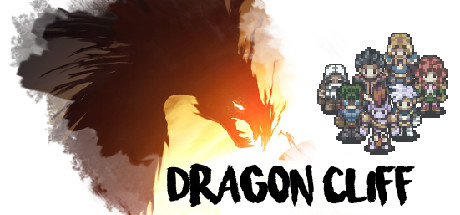
Dragon Cliff Trainer
8 cheats for Dragon Cliff, including Bypass Resources (Part 1), Bypass Resources (Part 2), and Resources and Profile. Turn them on with hotkeys, an in-game overlay or your phone.
Free · No ads · No time limits · Windows 10 and 11
Cheats and options
8 optionsResources 3
The table's first resource-check bypass, so edited resource values stick. Turn it on first, then reload your save, then turn on part 2.
The table's second resource-check bypass, in the game's resource-change code. Turn it on after part 1 and a reload. Works once the game has loaded.
Turn on, then play for a moment so the town updates: your hide, ore, practice points, gold, life potions and reputation, the game day, the side quest limit, resident slots and adventurer refreshes are read from the game and set to what you type. Turn on the two bypass cheats first so edited resources stick.
Town 1
Turn on, then open the shop: the days until the shop refreshes and the town's weapon and armor production speeds are read from the game and set to what you type.
Items 1
Turn on, then open the Adventurer tab and pick an item: its grade, level, tier level and price are read from the game and set to what you pick or type.
Heroes 1
Turn on, then open the Adventurer tab and click a hero: their level, experience, skill slots, talent points and base STR, INT, VIT, AGI, critical hit rate and critical damage are read from the game and set to what you type. The table says to reload the game after changing the attributes.
Battle 2
Turn on during a battle: the health of your three adventurers and of the three enemies is read from the game and set to what you type.
The grade of the five reward chests in the current battle. Needs Battle Health's Read battle on.
FAQ
About the Dragon Cliff trainer
Is the trainer for Dragon Cliff free?
Yes. Trinity and every trainer in it are free: no time limits, no ads, and the phone remote is included.
What can the trainer do?
It has 8 options, such as Bypass Resources (Part 1), Bypass Resources (Part 2), Resources and Profile, and Town and Shop. Each one is listed above with its default hotkey, and you can rebind any of them.
Which version of Dragon Cliff does it work with?
It is made for the PC game from Steam. Trinity finds the game in your library and attaches when it is running.
Can I use it online?
No. Trinity is for single-player games only. Do not use trainers in online modes or in games with anti-cheat.