Guides
How to use Trinity, step by step
Short guides with screenshots of the app, from installing it to cheating from your phone.
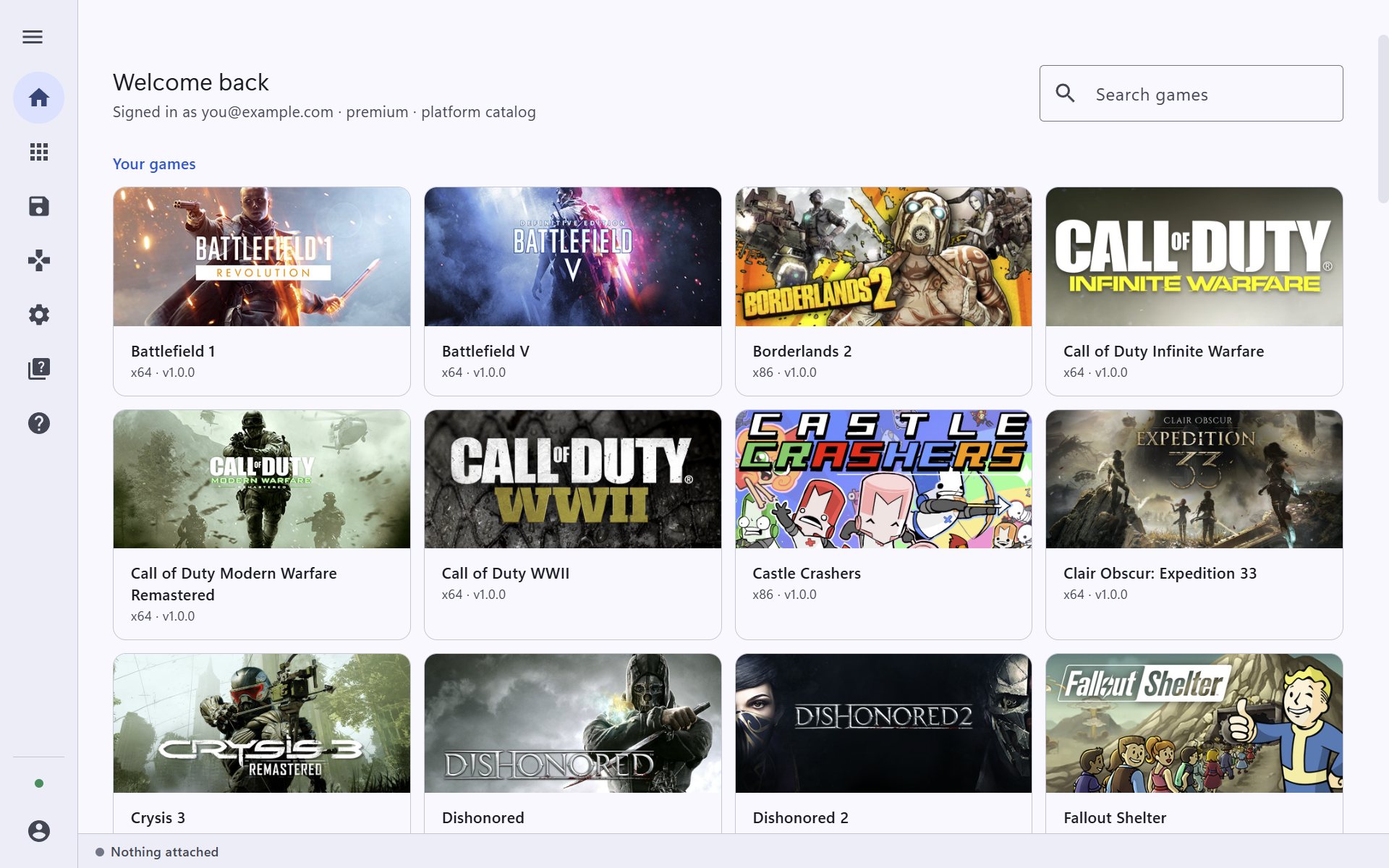
Guide 1 · 4 steps
Install Trinity and sign in
Download the app, sign in or create your free account, and see the games Trinity found on your PC.
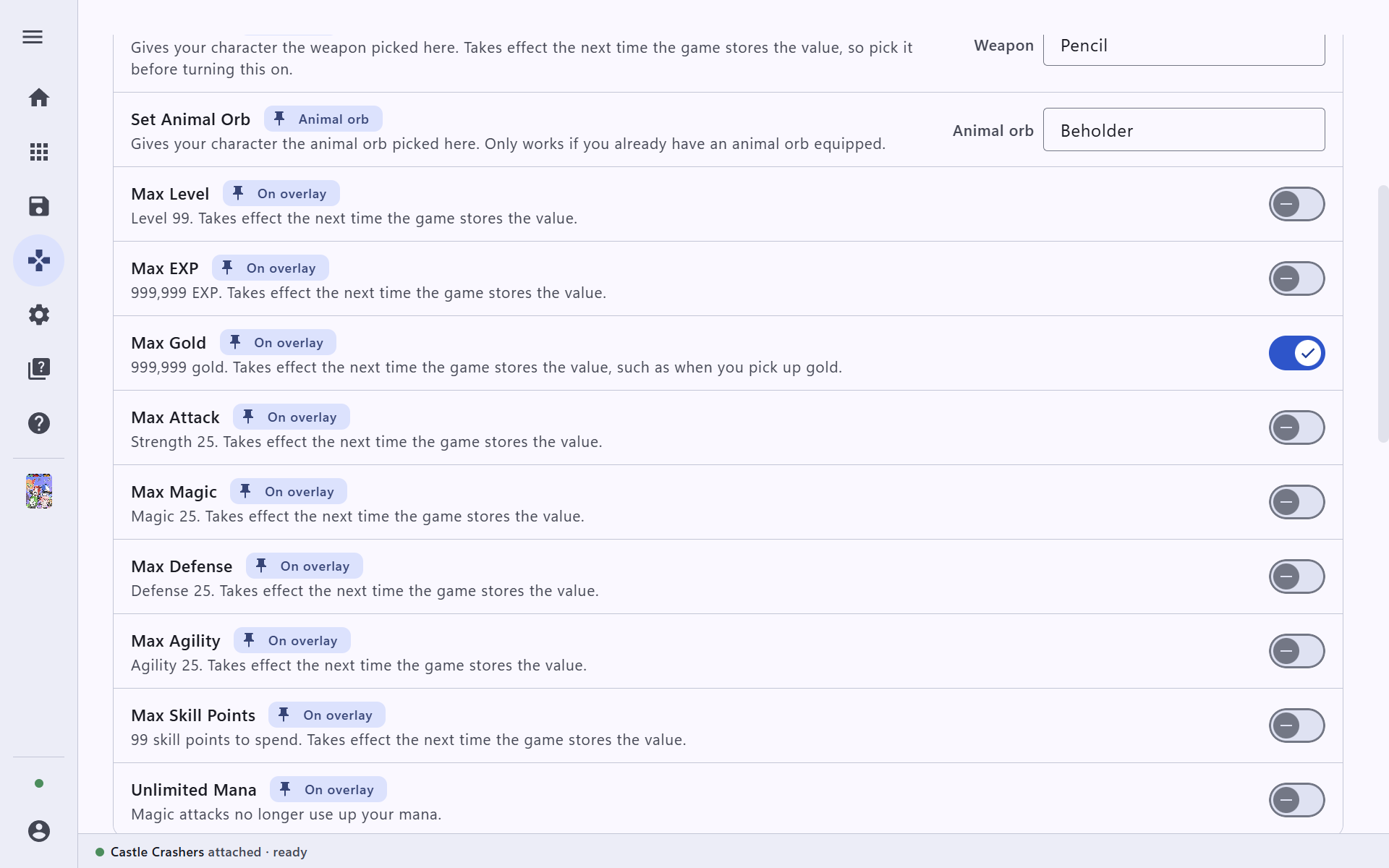
Guide 2 · 5 steps
Find a game and turn on a cheat
Find your game, start it from Trinity, and switch cheats on from the app or with a hotkey. Castle Crashers is the example here; every game works the same way.
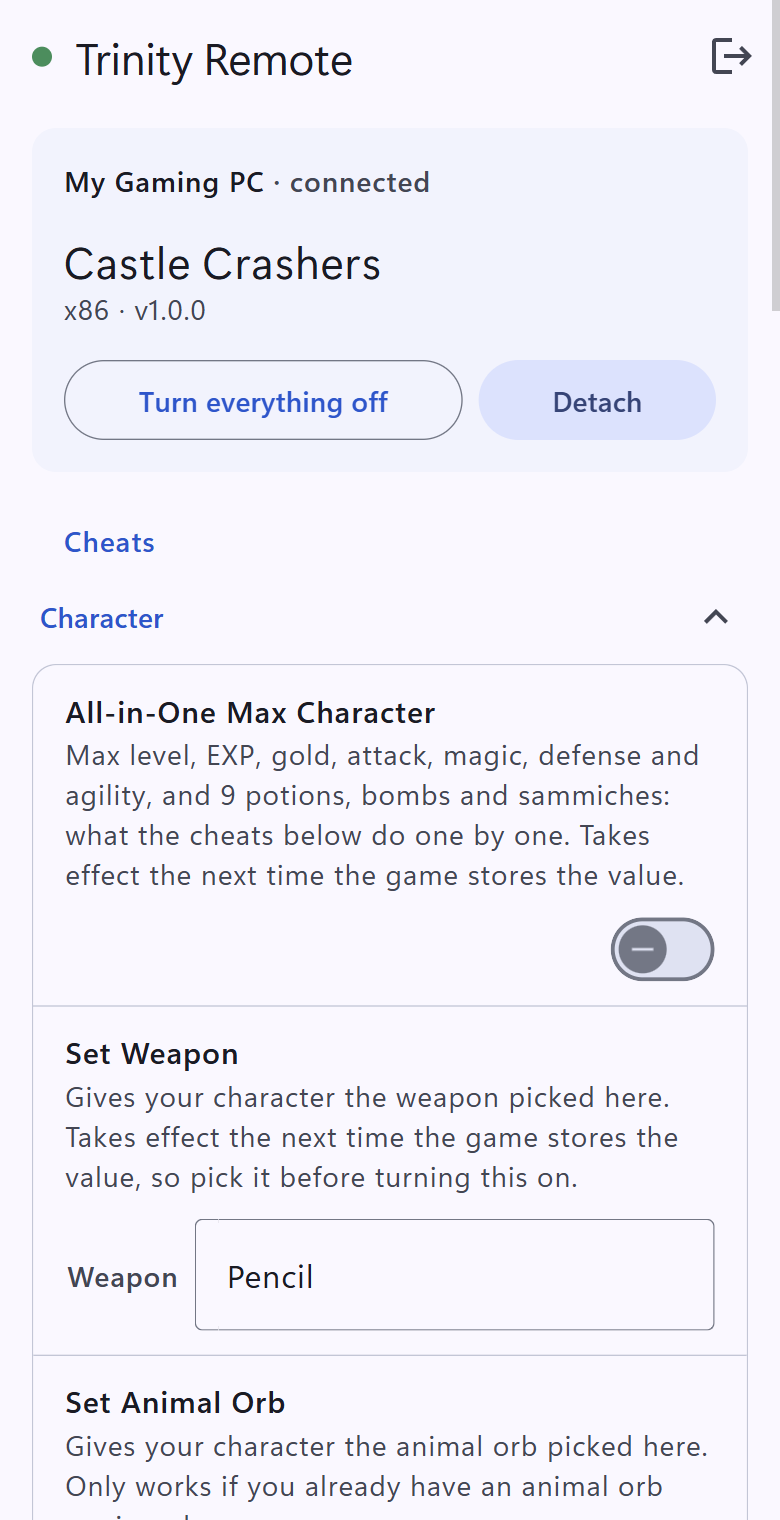
Guide 3 · 5 steps
Control cheats from your phone
Pair your phone or tablet with Trinity Remote and turn cheats on and off without leaving the game.
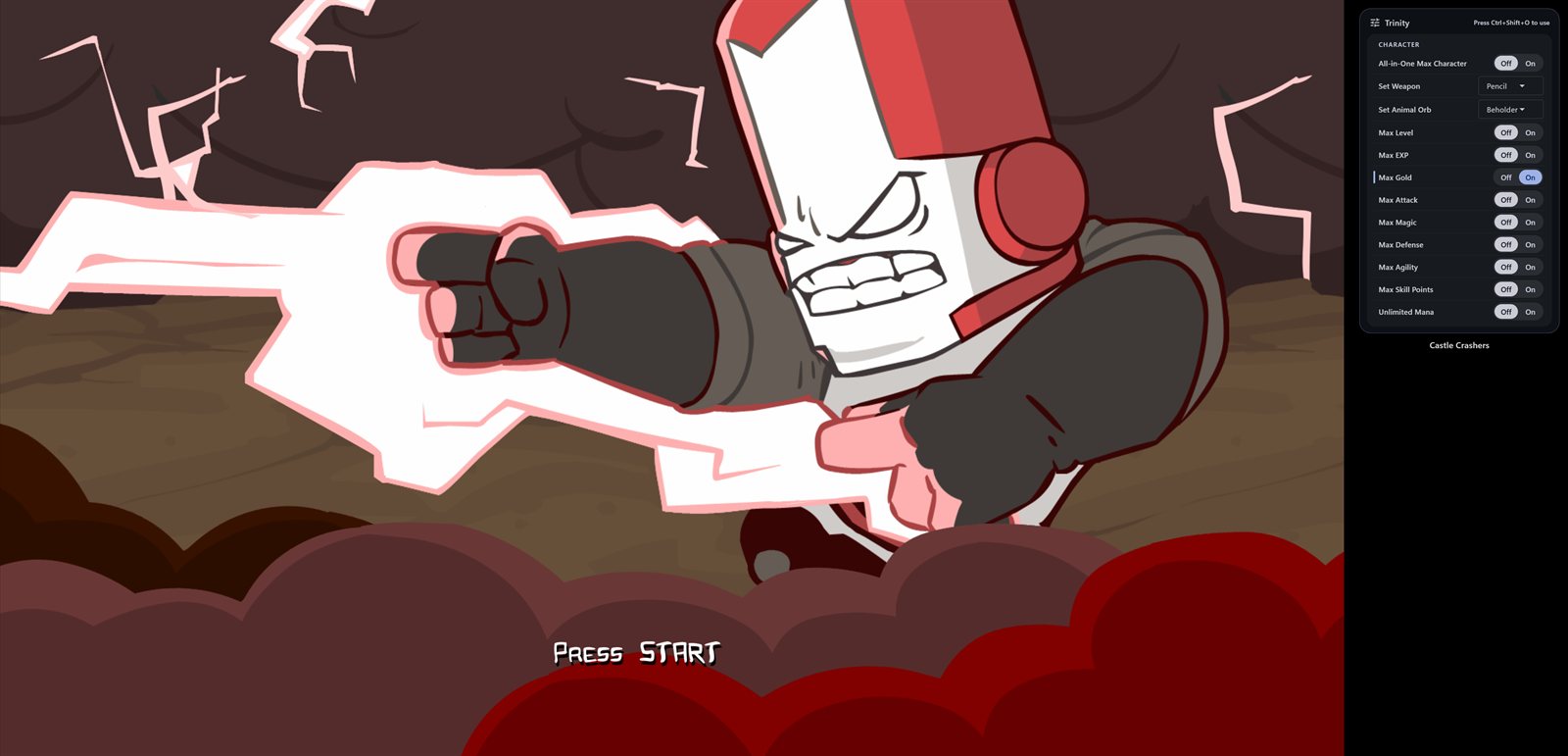
Guide 4 · 4 steps
Overlay, save backups and settings
Use cheats inside the game with the overlay, back up your saves before you experiment, and make Trinity work the way you like.