Download the installer
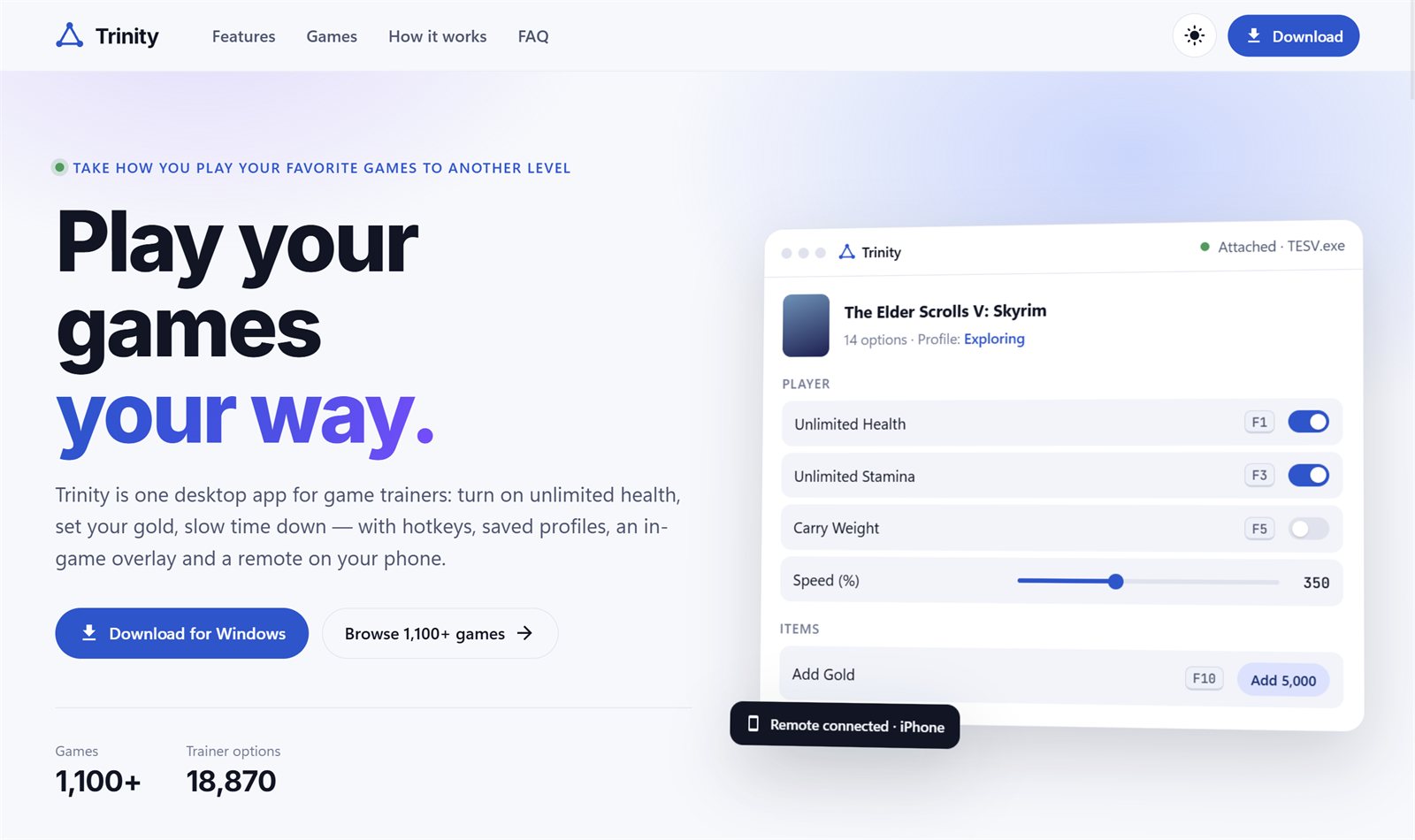
On the Trinity website, press Download for Windows (or Download at the top of any page). You get Trinity-Setup.exe. Trinity runs on Windows 10 and 11.
Run the installer
Open Trinity-Setup.exe. Windows asks once whether to let it make changes: choose Yes. Trinity installs for everyone on the PC and sets itself up to run with the rights a trainer needs, so you are not asked again each time you start it.
If Windows SmartScreen says Windows protected your PC, choose More info and then Run anyway.
When it finishes, Trinity starts by itself. Later, open it from the Start menu like any other app.
Sign in, or create an account
Enter your email and password and press Sign in. New to Trinity? Press I need an account, fill in your email and a password, and press Create account.
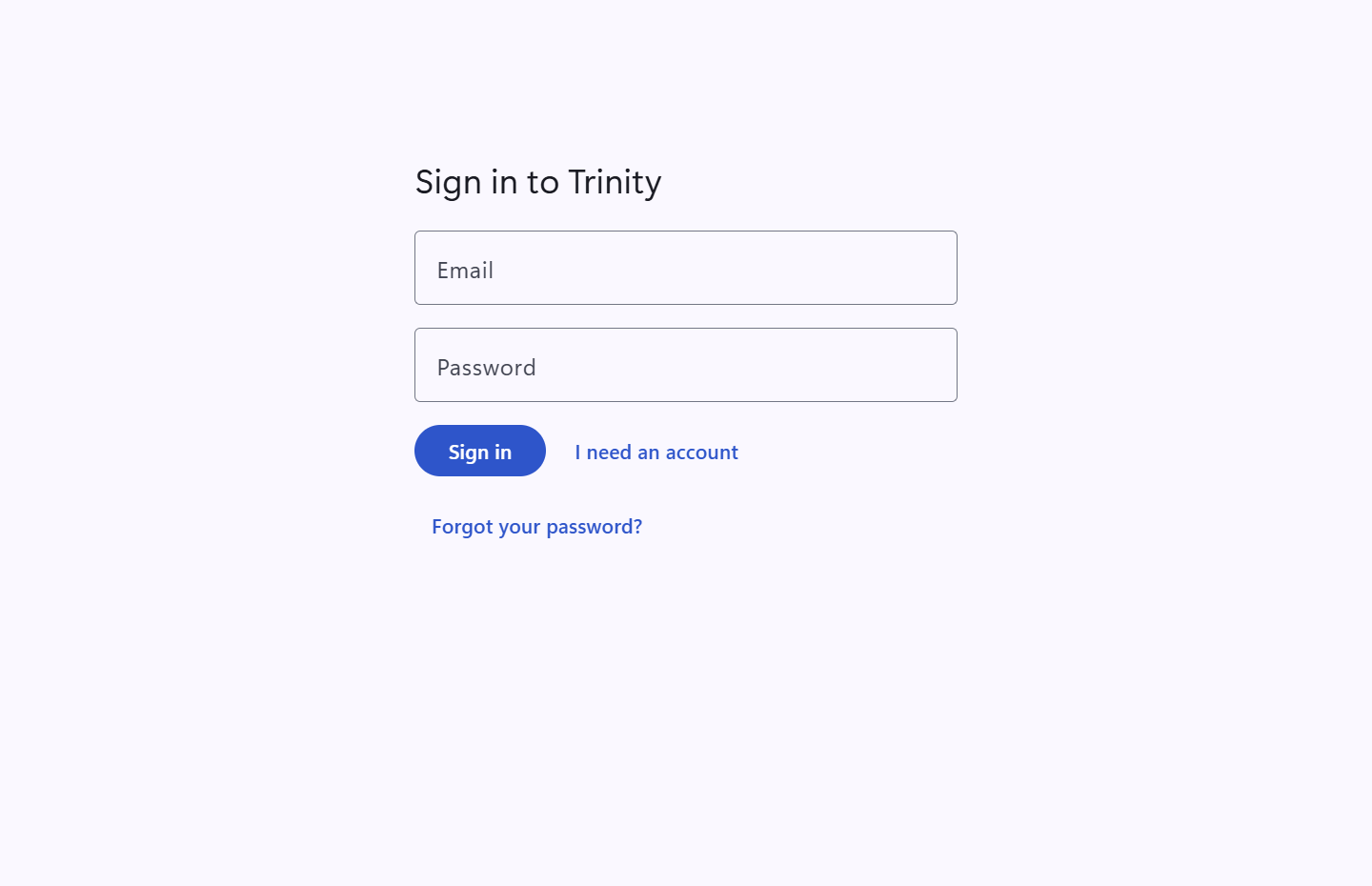
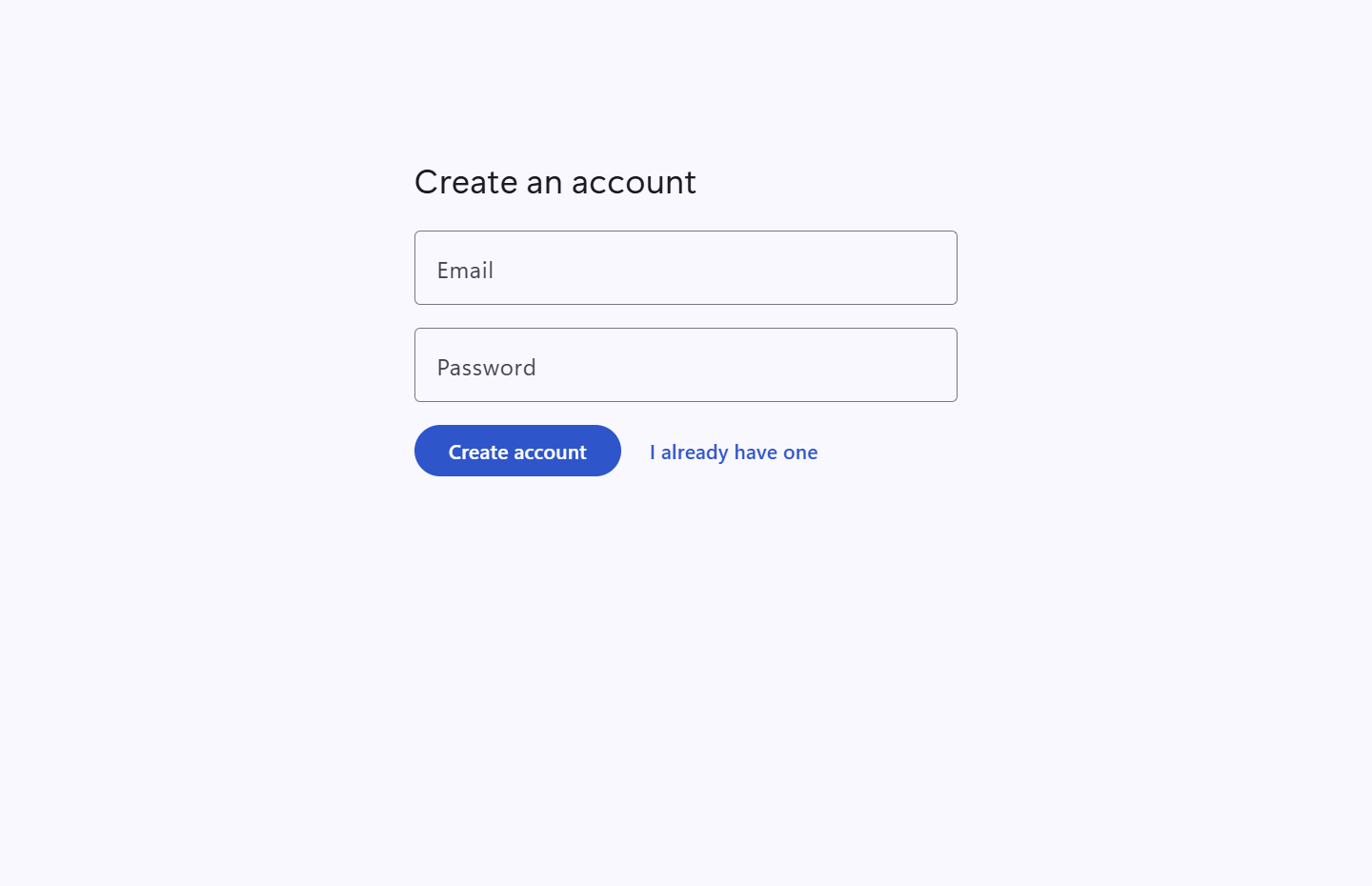
Forgot your password? Press Forgot your password? on the sign-in screen and Trinity emails you a link to set a new one.
Meet the home screen
Home shows Your games: every game installed on this PC that Trinity has a trainer for. Trinity finds games from Steam, Epic, the Xbox app, the EA app, GOG, Ubisoft Connect, Battle.net and more, with nothing to set up.
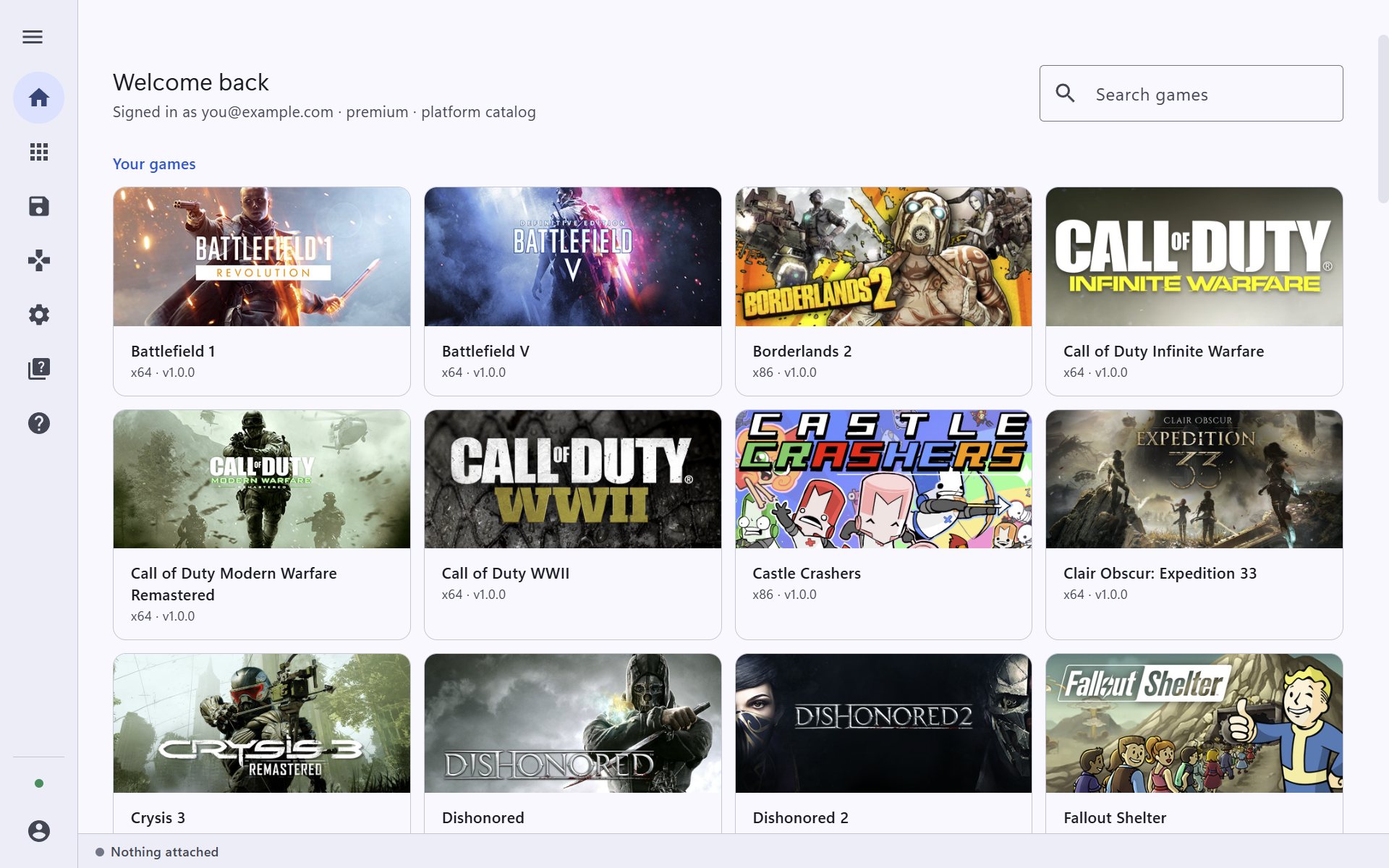
The bar on the left takes you everywhere else:
- Home and Library (every trainer, installed or not),
- Game saves, for backups,
- Trainer, the cheats for the game you are playing,
- Settings, FAQ and Support, and your Account at the bottom.
The line at the very bottom says what is attached, for example Nothing attached or Castle Crashers attached · ready.