Fabledom Trainer
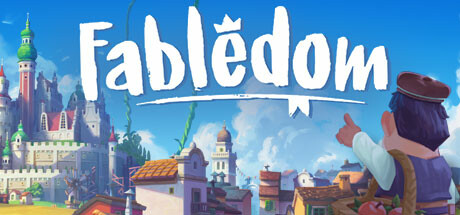
17 cheats for Fabledom, including Edit Money, Edit Nobility, and Edit Feast Supplies. Turn them on with hotkeys, an in-game overlay or your phone.
Free · No ads · No time limits · Windows 10 and 11
Cheats and options
17 optionsKingdom 3
Set an amount, then press Apply.
Set an amount, then press Apply.
Set an amount, then press Apply.
Buildings 3
Takes effect when building progress increases.
Takes effect when you move the cursor over building icons.
You may need to wait a few days for it to work. Takes effect during the payments day.
Citizens 6
Takes effect when happiness value updates.
Takes effect when food/hunger value updates.
Some citizens movement speed may not update immediately (will update when they finish their jobs).
Set an amount, then press Apply. The total number of peasants will not exceed the peasants population capacity.
Set an amount, then press Apply. The total number of commoners will not exceed the commoners population capacity.
Set an amount, then press Apply. The total number of nobles will not exceed the nobles population capacity.
Storage 4
Set an amount, then press Apply. Takes effect when you click on a granary building: all foods will be added to that granary. Foods may be added more than once, adjust the value accordingly.
Takes effect when you click on the granary building.
Set an amount, then press Apply. Takes effect when you click on a stockpile: all resources will be added to that stockpile. Resources may be added more than once, adjust the value accordingly.
Takes effect when you click on a stockpile. It edits the capacity of every stockpile lot in the stockpile, so with several lots the final capacity is multiplied.
Game 1
This option will override the effect of in-game speed settings.
FAQ
About the Fabledom trainer
Is the trainer for Fabledom free?
Yes. Trinity and every trainer in it are free: no time limits, no ads, and the phone remote is included.
What can the trainer do?
It has 17 options, such as Edit Money, Edit Nobility, Edit Feast Supplies, and Fast Building. Each one is listed above with its default hotkey, and you can rebind any of them.
Which version of Fabledom does it work with?
It is made for the PC game from Steam. Trinity finds the game in your library and attaches when it is running.
Can I use it online?
No. Trinity is for single-player games only. Do not use trainers in online modes or in games with anti-cheat.