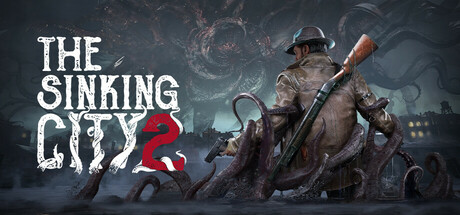
The Sinking City 2 Trainer
27 cheats for The Sinking City 2, including God Mode/Ignore Hits, Infinite Health, and Infinite Revives. Turn them on with hotkeys, an in-game overlay or your phone.
Free · No ads · No time limits · Windows 10 and 11
Cheats and options
27 optionsPlayer 3
Weapons 6
When activated, ammo won't decrease when you reload.
Combat 3
Items 4
Open the inventory, select an item, then activate this option to change its amount. Close and re-open the inventory to update the display value. Only works for stackable items and consumables.
When you consume items, their amount won't decrease. This option doesn't work for ammo and materials.
Activate before opening the crafting menu. If you want to disable this option, you will need to save and reload or restart the game in order to cancel its effect.
Takes effect when you open the talents menu.
Movement 4
Raises you by 100 units.
Game 4
Teleport 3
You can save multiple locations by choosing different slots.
You can teleport to any saved location by choosing its slot.
FAQ
About the Sinking City 2 trainer
Is the trainer for The Sinking City 2 free?
Yes. Trinity and every trainer in it are free: no time limits, no ads, and the phone remote is included.
What can the trainer do?
It has 27 options, such as God Mode/Ignore Hits, Infinite Health, Infinite Revives, and Infinite Ammo. Each one is listed above with its default hotkey, and you can rebind any of them.
Which version of The Sinking City 2 does it work with?
It is made for the PC game from Steam. Trinity finds the game in your library and attaches when it is running.
Can I use it online?
No. Trinity is for single-player games only. Do not use trainers in online modes or in games with anti-cheat.