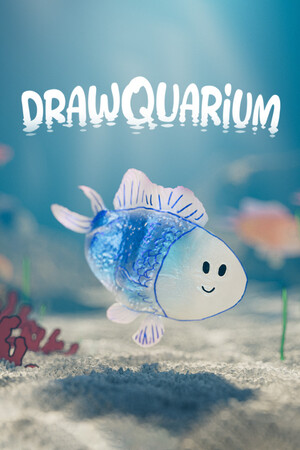
Drawquarium Trainer
14 cheats for Drawquarium, including Fish Always Fed, Fish Speed, and Fish Size. Turn them on with hotkeys, an in-game overlay or your phone.
Free · No ads · No time limits · Windows
Cheats and Options
14 optionsFish 3
Keeps every fish fed so they never get hungry.
Multiplies how fast fish swim. 1 is the game's own speed.
Multiplies how big fish are. 1 is the game's own size.
Progress 2
Sets the level of all your fish, between 1 and 24.
Unlocks every locked item in the Edit Aquarium window.
Game 9
Removes all poop and dirt from the aquarium.
Adds gold to your total, between 1 and 999999.
Sets your gold, between 0 and 999999.
Hides the menu, FPS counter and progress windows for clean screenshots.
Makes two of your fish mate right away. You need at least two living fish.
Takes a high resolution screenshot at the chosen size. Pictures are saved in the game's Screenshots folder under AppData\Local\Drawquarium\Saved.
Makes your fish get hungry ten times faster. Do not use it together with Fish Always Fed.
Makes every fish drop poop every few seconds.
Speeds up or slows down the whole game. 1 is the game's own speed.
FAQ
About the Drawquarium Trainer
Is the trainer for Drawquarium free?
Yes. Trinity and every trainer in it are free: no time limits, no ads, and the phone remote is included.
What can the trainer do?
It has 14 options, such as Fish Always Fed, Fish Speed, Fish Size, and Set Fish Level. Each one is listed above with its default hotkey, and you can rebind any of them.
Which version of Drawquarium does it work with?
It is made for the PC game from Steam. Trinity finds the game in your library and attaches when it is running.
Can I use it online?
No. Trinity is for single-player games only. Do not use trainers in online modes or games with anti-cheat enabled (some games with anti-cheat allow disabling anti-cheat with an offline mode).